

If you run your business remotely, keeping on top of important post can be tricky. You’re not in an office every day, but banks, suppliers, clients and government bodies will still send letters that need your attention.
A virtual office in Dubai gives you a way to receive business mail without having to be there all week. How it actually works, though, depends on the provider and on what’s included in your package.
Once you know how mail gets from the front desk to you, it’s much easier to plan how you’ll handle it, and a lot less likely that something important slips through the cracks.
What Happens When Business Mail Arrives?
It all starts when a letter, or any other post the provider accepts, turns up at your virtual office address. Usually a reception or admin team will take it in on your behalf, though the exact process depends on the provider.
From there, they’ll normally work out who it’s for and put it somewhere safe until the next step. Some providers keep a log of everything that comes in. Others handle it a bit differently.

How your post is dealt with can also depend on what type of mail it is, the provider’s own policies and the services you’ve signed up for. A letter addressed to your company might simply be held until you collect it, for example. If the provider offers digital services, there may be a separate process for scanning certain documents and making them available online.
One thing worth knowing upfront is that receiving your mail doesn’t automatically mean the provider will open it, scan it or send it anywhere. Those steps depend on their procedures and on what you’ve given them permission to do.
How Are You Notified About New Mail?
Once something arrives, you’ll want to know about it so you can decide what to do. Plenty of virtual office providers send a notification when a post comes in, which is handy when you’re working from somewhere else.
You might get that update by email, by phone or through an online client portal. It could just say that mail has arrived and explain how to get hold of it.
Not every provider does this the same way, though. Some let you know about each item as it comes in. Others send updates on a set schedule or follow their own notification policy.
When you look into it, think about how quickly you’ll normally hear about a new post, and what happens if you miss a message. If your business often gets time-sensitive letters, a clear notification process makes it much easier to respond in time.
It’s also worth asking whether the notification tells you who the letter is from, or just that something has arrived. That gives you a better idea of what you’ll know before deciding whether to collect it or ask for anything else.
How Can You Access Your Business Mail?
So you’ve been told there’s post waiting for you. How you get your hands on it depends on what the provider offers and what’s part of your agreement.

Collecting mail from the office
Some providers let you, or someone you’ve authorised, pick up your post in person. This works well if you’re in Dubai often, or if you can get someone to the office during opening hours.
Before you rely on this, find out how collection works. You might need to show ID, confirm which business the mail is for, or give written permission for someone else to collect it for you. It’s also useful to know when you can collect, and whether you need to book a time beforehand.
Receiving scanned documents
If the provider offers mail scanning, they may be able to send you a digital copy of certain documents. That way you can read them without making a trip to the office.
Scanning works differently from one provider to the next. Some only scan when you ask them to. Others have a set digital process in place. Check which items can be scanned and how you’ll receive the files.
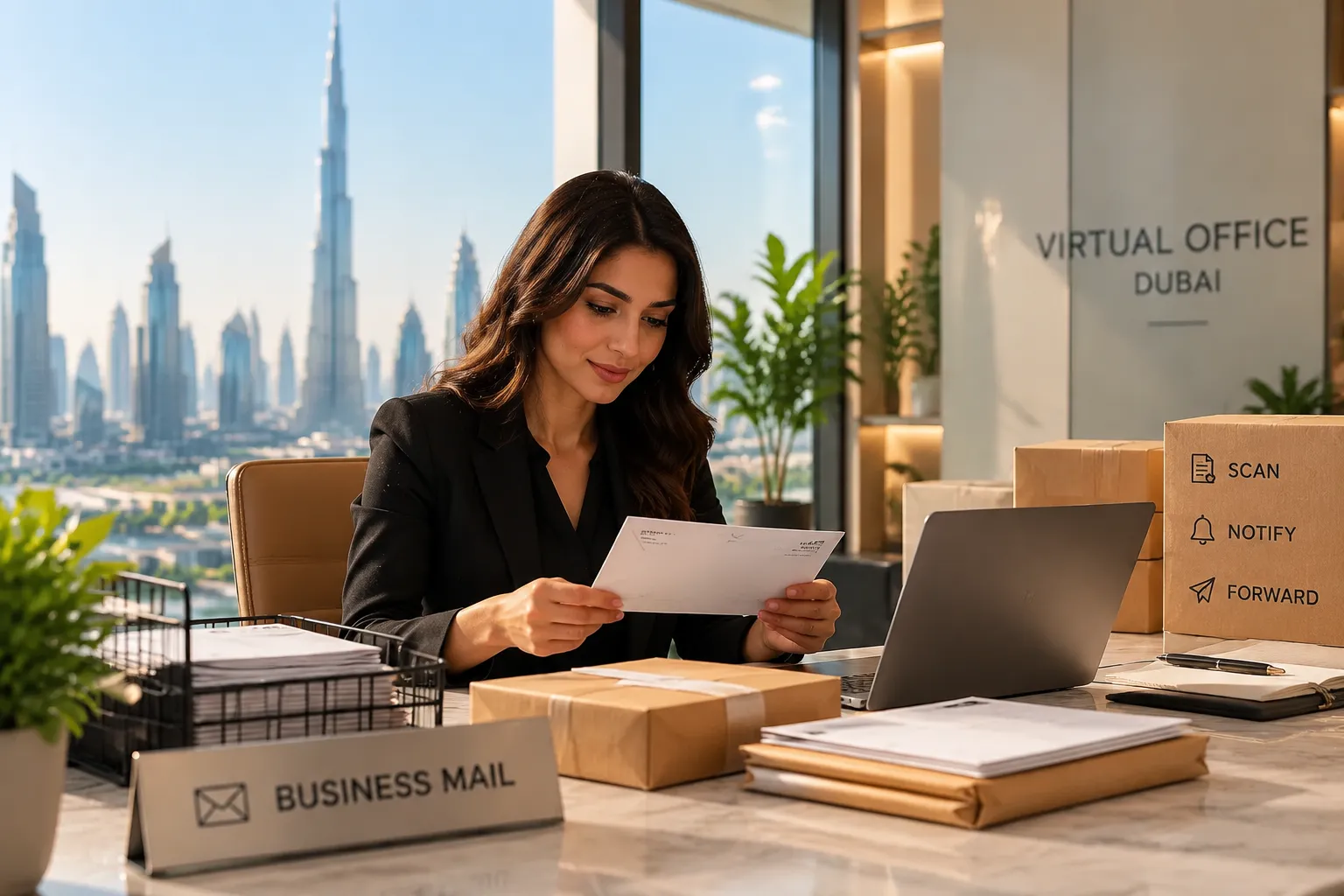
Not every document should be opened and scanned as a matter of routine, either. Confidential or sensitive post may need special handling, so make sure you understand the provider’s policy before you start relying on scanning.
Forwarding mail to another address
Mail forwarding is useful if you live outside Dubai, travel a lot or just prefer to get physical documents somewhere else.
If your provider offers it, they can send your post to an address you choose, within their own rules and any restrictions that apply. Where they can send it, how and how quickly can all vary.
Find out how you put in a forwarding request, whether you need to approve each item, and what happens if a delivery fails. And if something’s urgent, bear in mind that forwarding can add extra time.
How Is Confidential Mail Handled?
Business post can contain sensitive things like financial documents, contracts, personal details or confidential messages. So you’ll want to know how the provider keeps that kind of mail away from people who shouldn’t see it.
A good place to start is asking who’s allowed to accept post for your business, and where items are kept before you collect them or they’re sent on. Ask too whether there’s a set process for handing mail over to someone you’ve authorised.
If you use scanning or forwarding, check how requests get approved and how documents are sent. With sensitive posts, how it’s delivered and who can access it can matter just as much as how convenient it is.
Some documents may need special handling, so don’t assume everything can be opened, scanned or forwarded under the standard process. Check any restrictions with the provider before you use these services for confidential material.
A clear process means you know exactly what happens to your post at every stage, and who’s responsible for it.
What Should You Confirm with Your Provider?
Before you trust a virtual office with your business post, make sure you understand how it really works day to day. Don’t assume every provider does things the same way.
Start with the basics. Who takes in your mail when it arrives, and do they keep a record of it? How will you be told when something comes in? Then think about access. Can you pick up post yourself, and can someone else collect it for you? Are scanned copies available, and how do you ask for them? Can mail be forwarded, and to which countries or addresses?
It’s also worth asking about confidentiality, meaning how sensitive documents are stored, who can access them and how they’re released. Finally, find out what happens if you can’t collect something straight away, and how the provider deals with post that’s returned, delayed or wrongly addressed.
Clear answers to these questions will show you whether the setup fits the way your business works. If you can, keep the provider’s written explanation of their process so you’ve got something to refer back to later.
Conclusion
In a Dubai virtual office, mail handling generally means the provider receives your business post and makes it available to you through whatever process they offer. Depending on the service, that could include notifications, in-person collection, scanning or forwarding to another address.
The key thing to remember is that not every provider offers all of these. Notifications, access, document handling and forwarding can all work differently.
So before you rely on a virtual office for important post, check how mail is received, how you’ll be told about it and how you can get to it. Pick a setup that suits the way you work, and you’ll find it much easier to stay on top of your business mail, even when you’re nowhere near the office.
